

It actually hears you
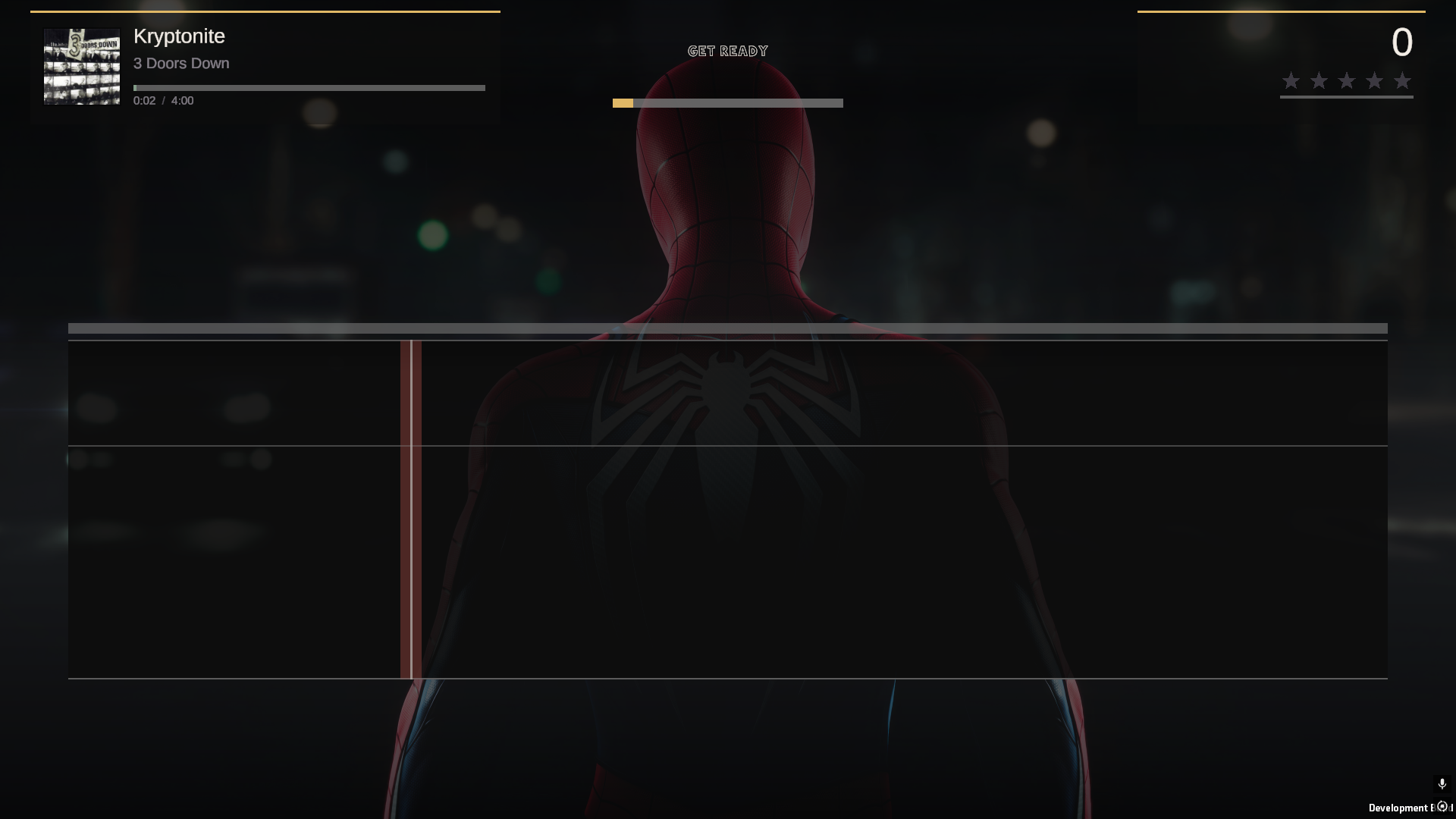
Land the note and it knows. Nail it dead centre and it really knows. Sing high, sing low, sing it an octave down - if it's the right note, you get the points.
Windows · v0.9.7 beta · free
Players online: 0
 The karaoke game that plays
A spiritual successor to Xbox 360 LIPS, built for PC. Point it at the songs you already have and sing any of them. On your own, or in a room online with your mates.
No storefront. No song packs. No subscription.
What it is
Every karaoke game wants to sell you the music. FullVolume hasn't got any to sell. It reads the songs already sitting on your drive and turns them into a proper karaoke night: lyrics, pitch, scoring, stars, the lot.
And it listens properly. Hold a note and you watch the score climb; slide off it and you know about it straight away. Sing the whole thing an octave down if that's where your voice lives. It still counts.
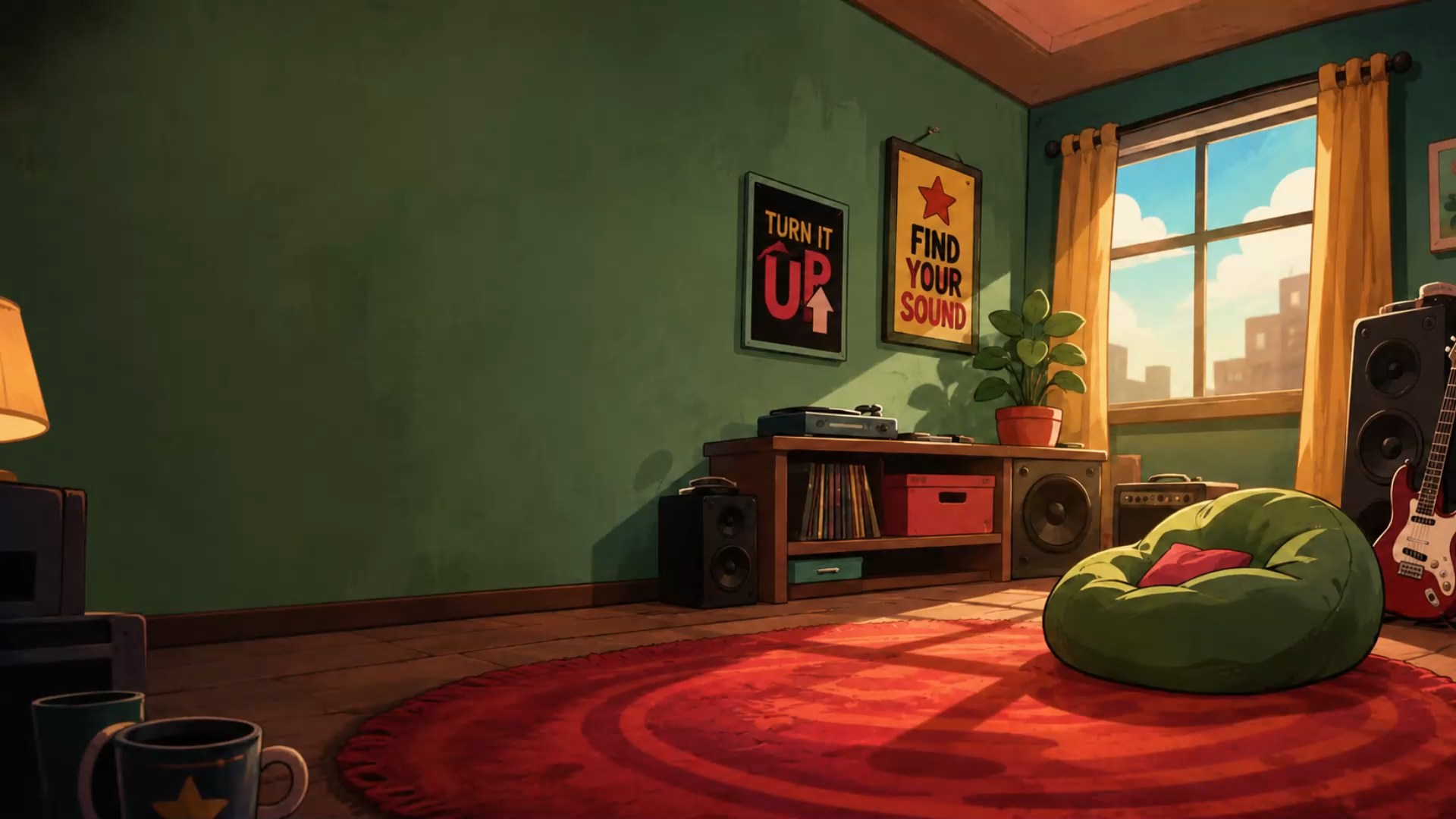
It also looks like somewhere you'd actually want to sing. Every last bit of it is hand drawn. And if you don't fancy the room, drop in a picture or a video of your own and that's your stage instead.
Sing badly,
loudly.
The only rule
Features
The whole game, one installer, nothing phoning home.
Land the note and it knows. Nail it dead centre and it really knows. Sing high, sing low, sing it an octave down - if it's the right note, you get the points.
Point it at your song folders and it takes it from there. Only songs somebody actually sings on make the list, so you never pick a track and find there's nothing to sing.
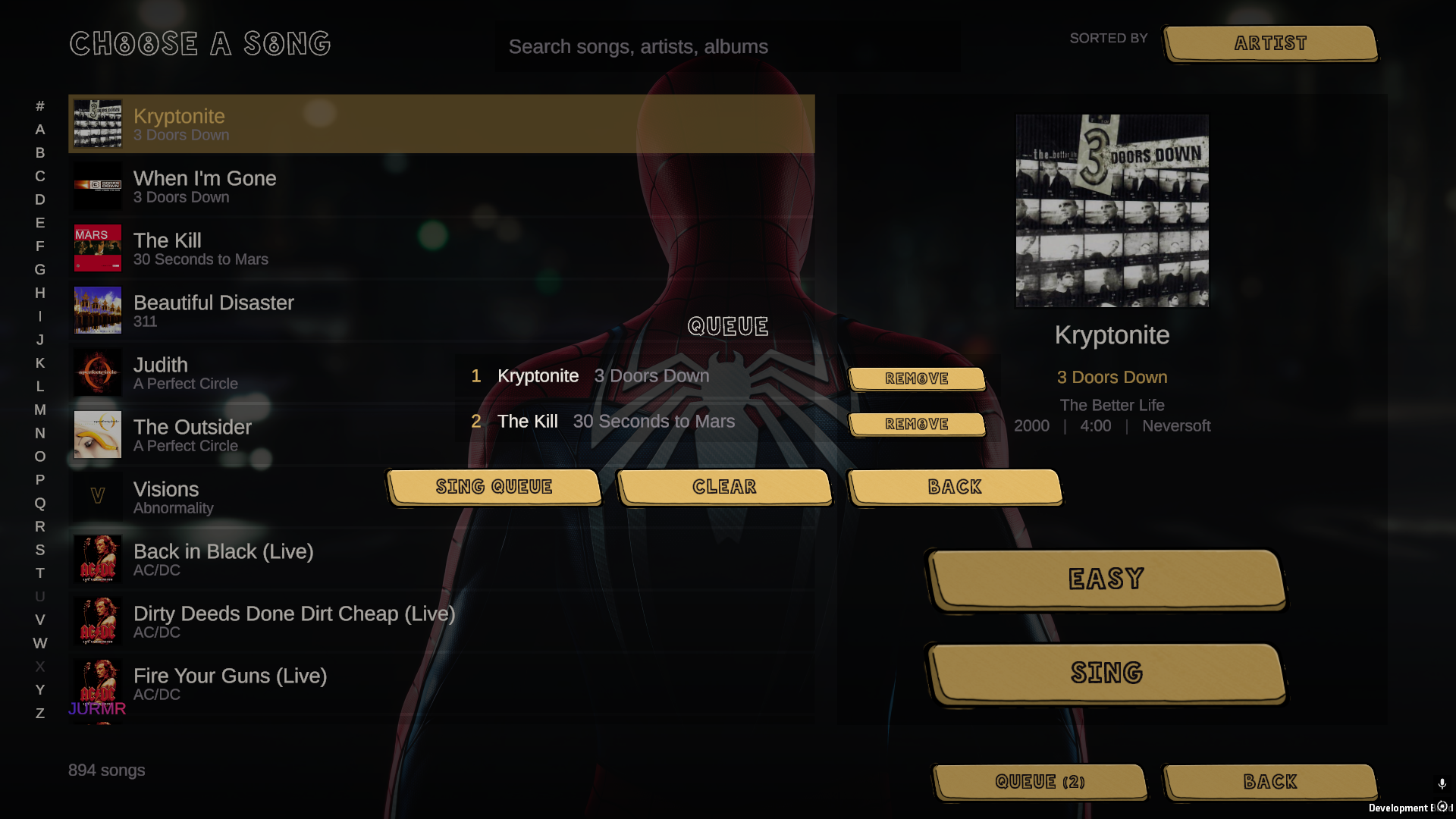
Queue songs up while somebody else is still singing, so the night runs itself instead of stopping dead between every track.
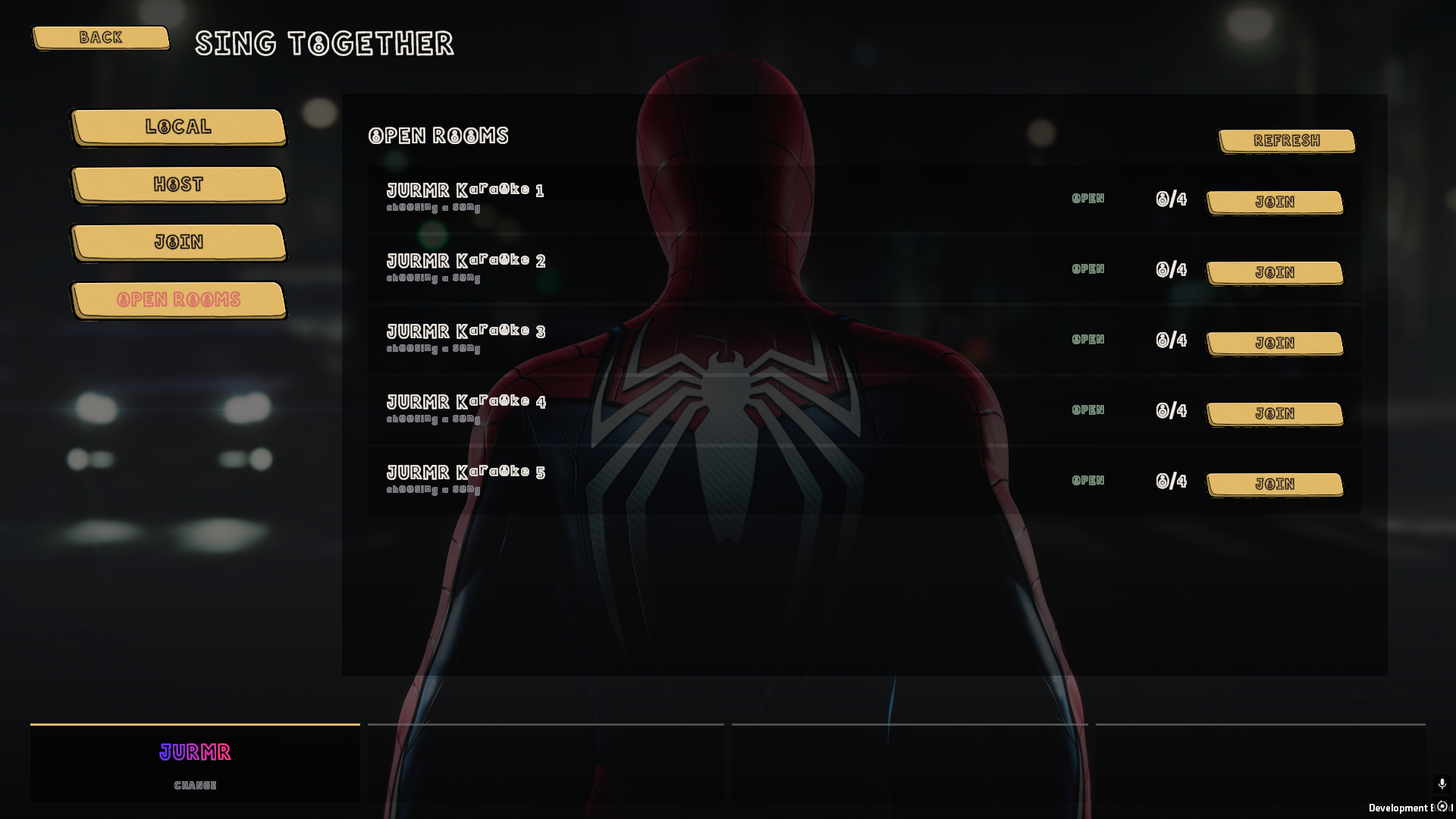
Name a room, send it to your mates, and sing together from wherever you are. Chat freely between songs, and hold your key mid-song when you want to be heard over it.
Drop a picture or a video into a folder and it turns up as a backdrop you can pick. Give the menus one and your songs another.
One button and it sorts out your audio delay on its own. Or tap along for a few bars and let it work you out. Either way, everything lines up.
Screens
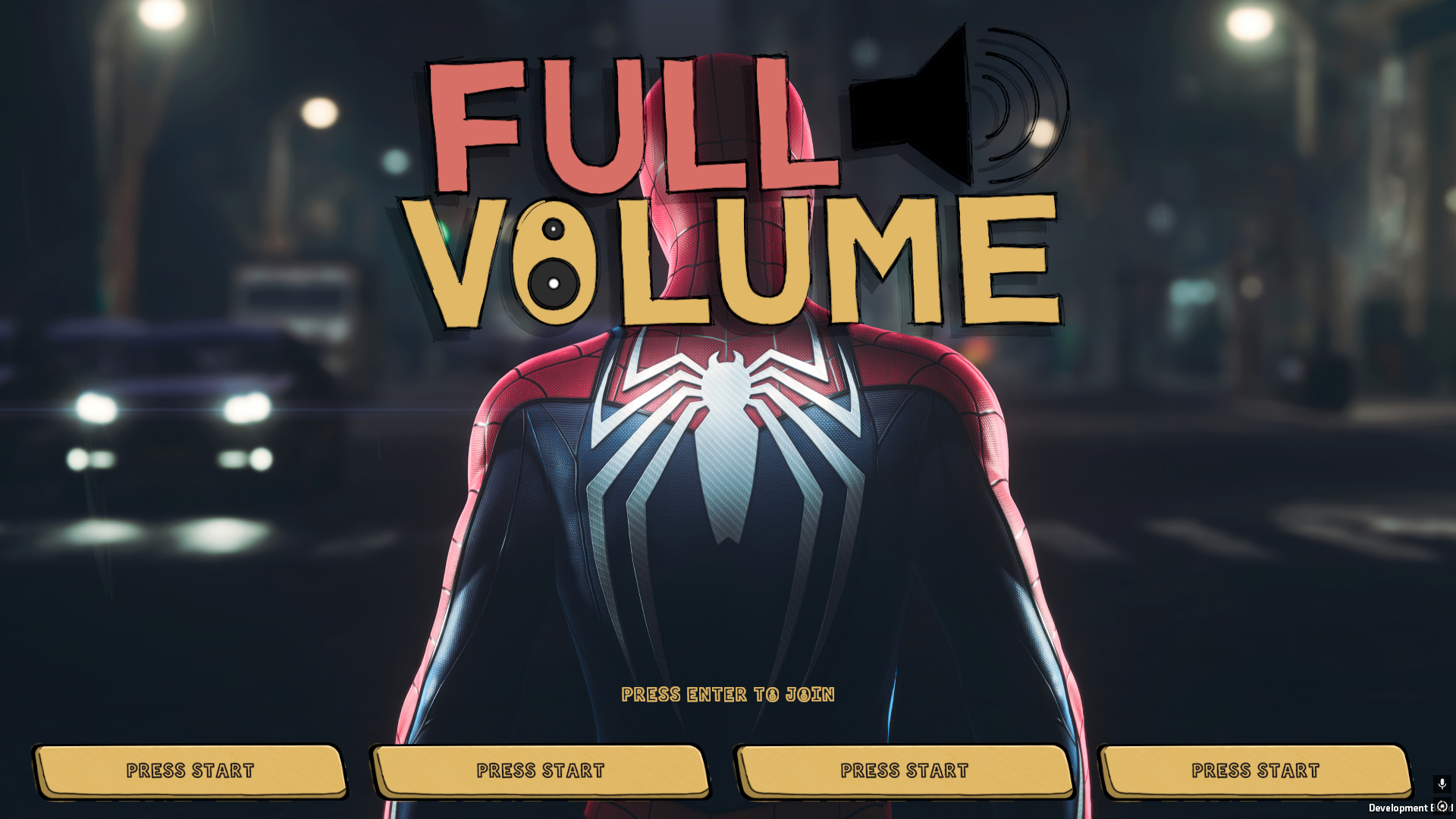
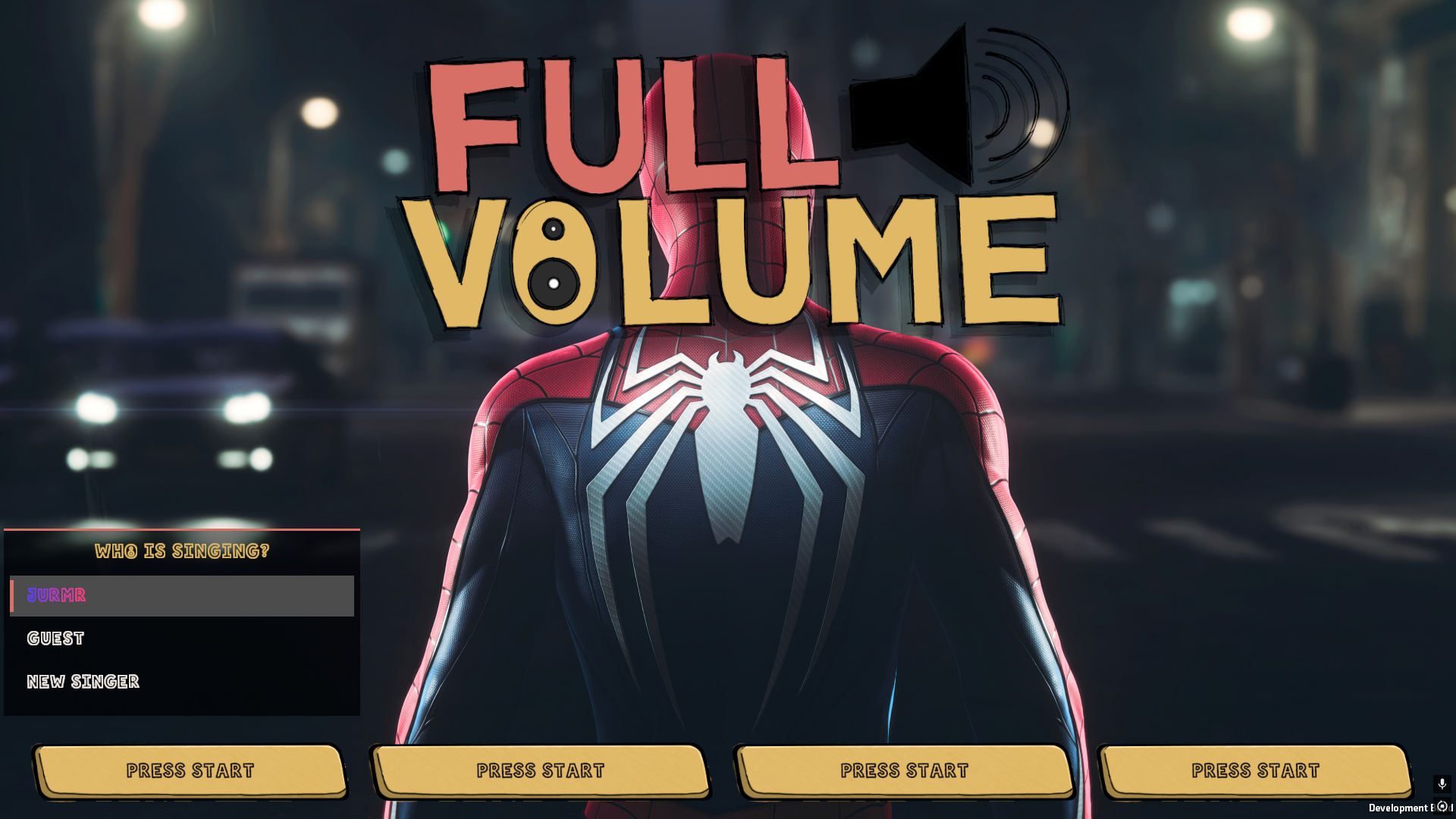
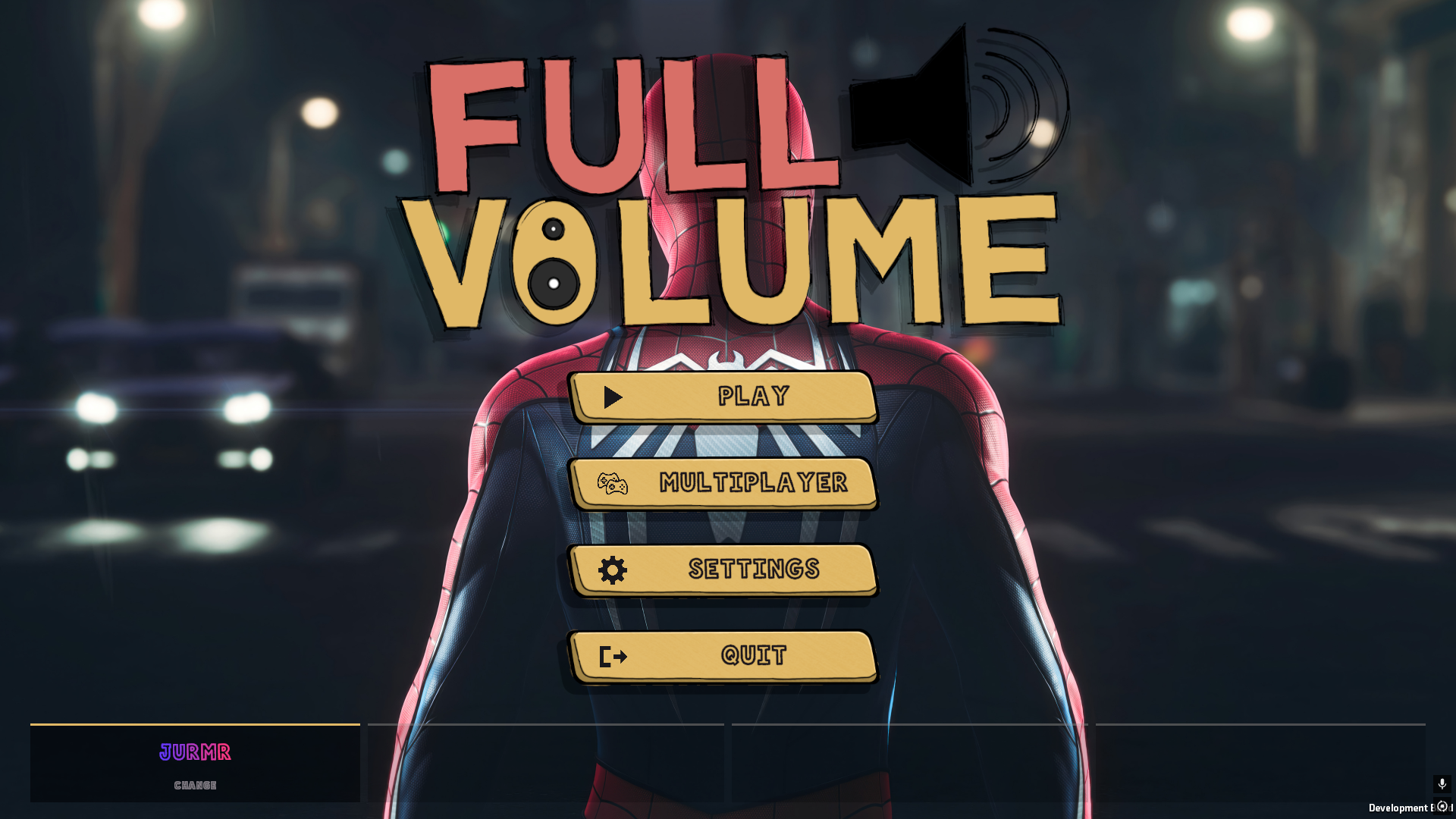
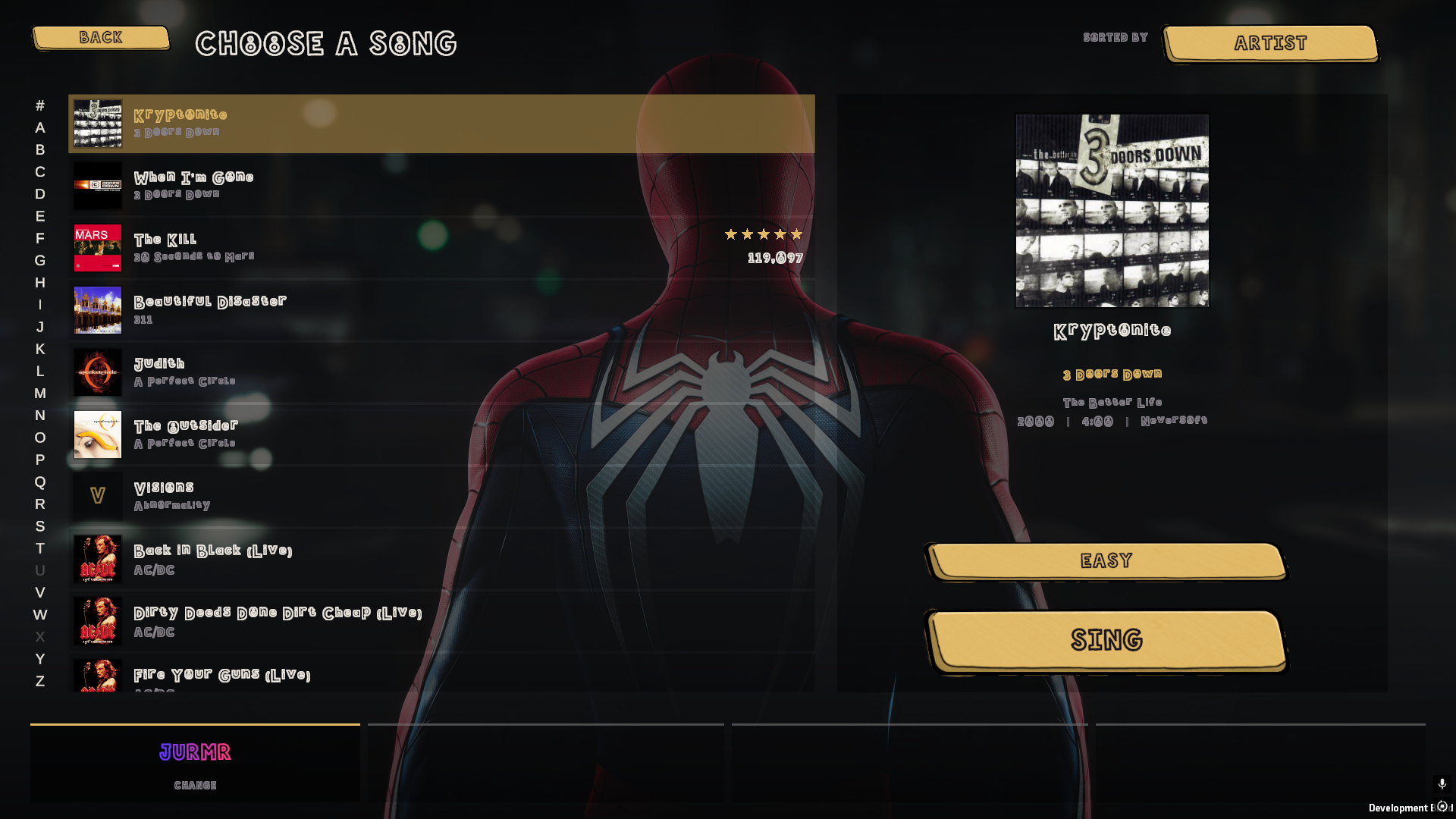
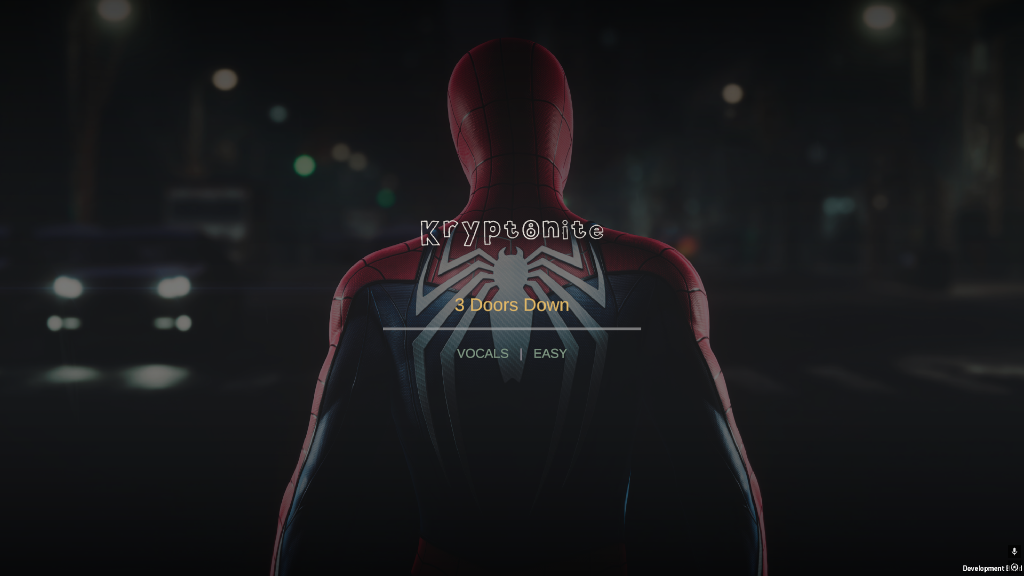
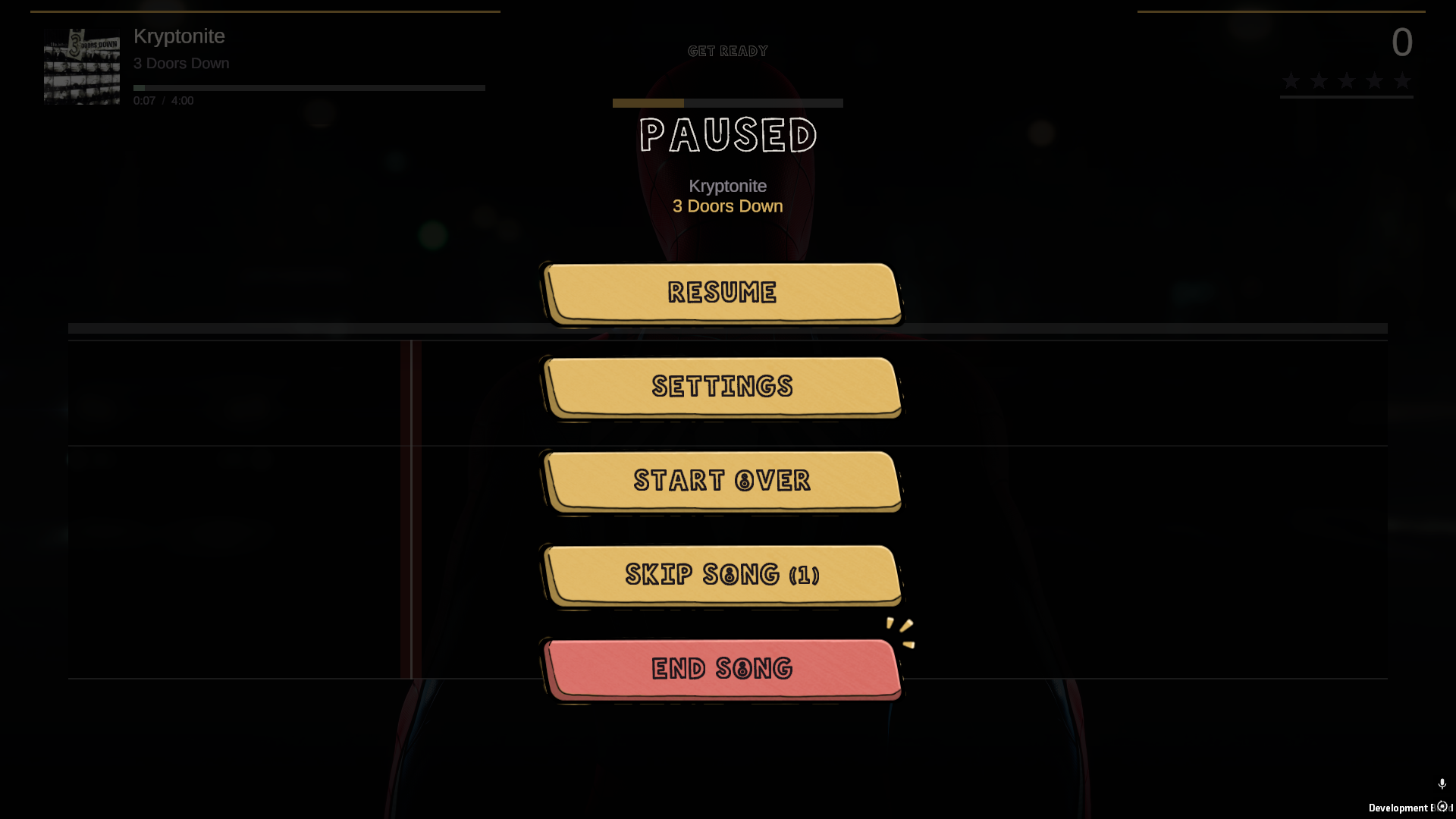
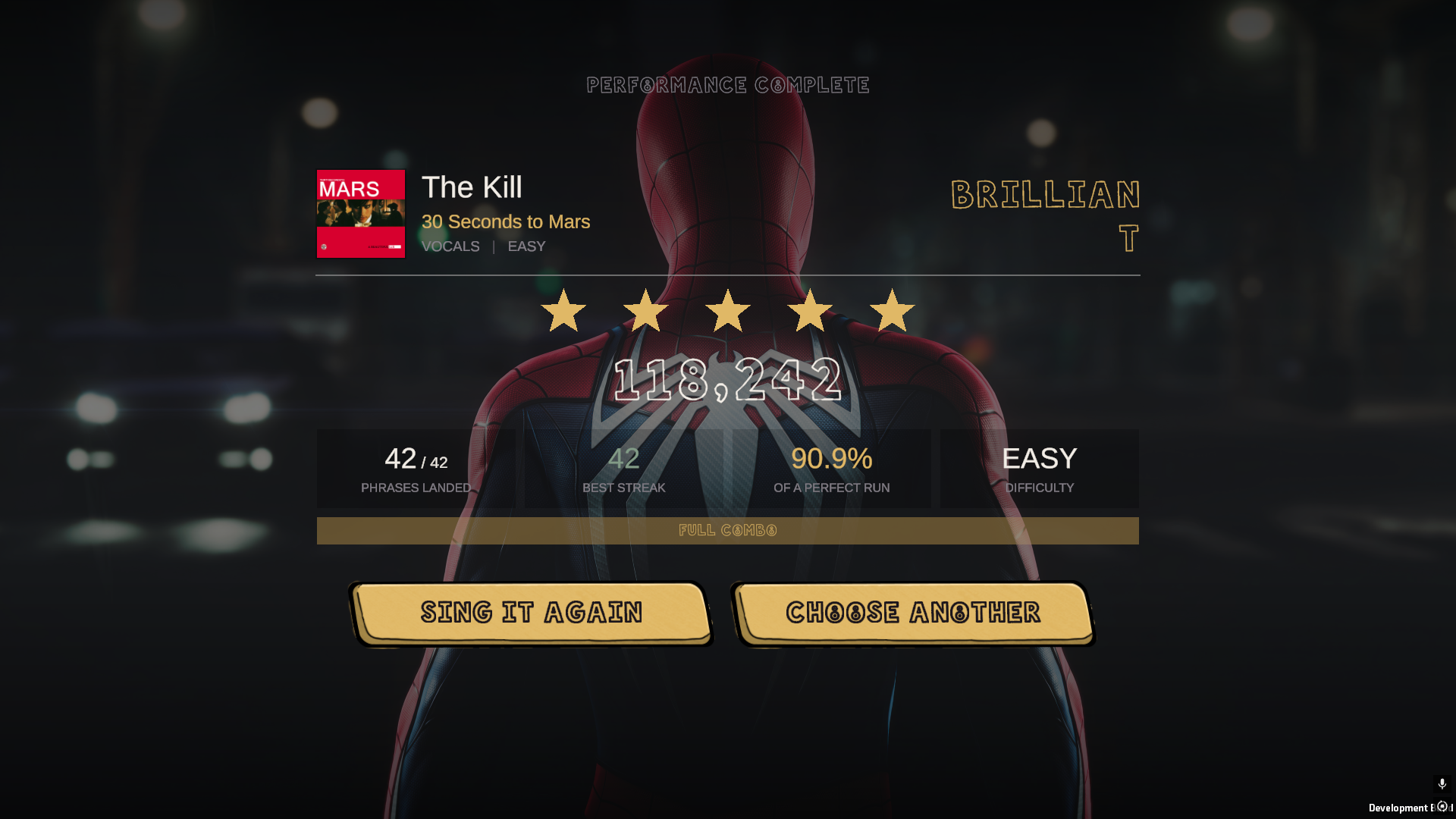
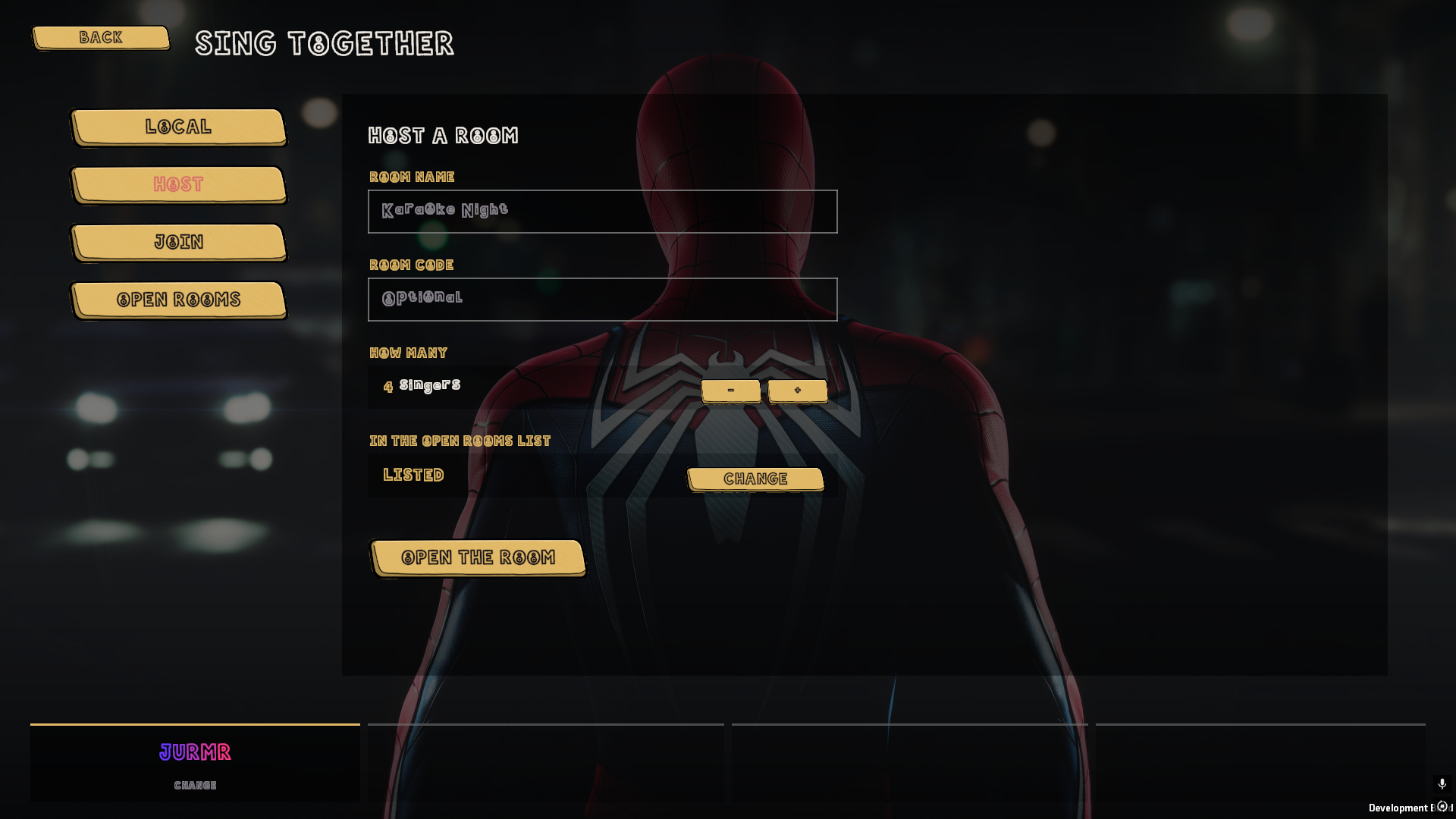
Straight out of the game. Nothing here is a mock-up.
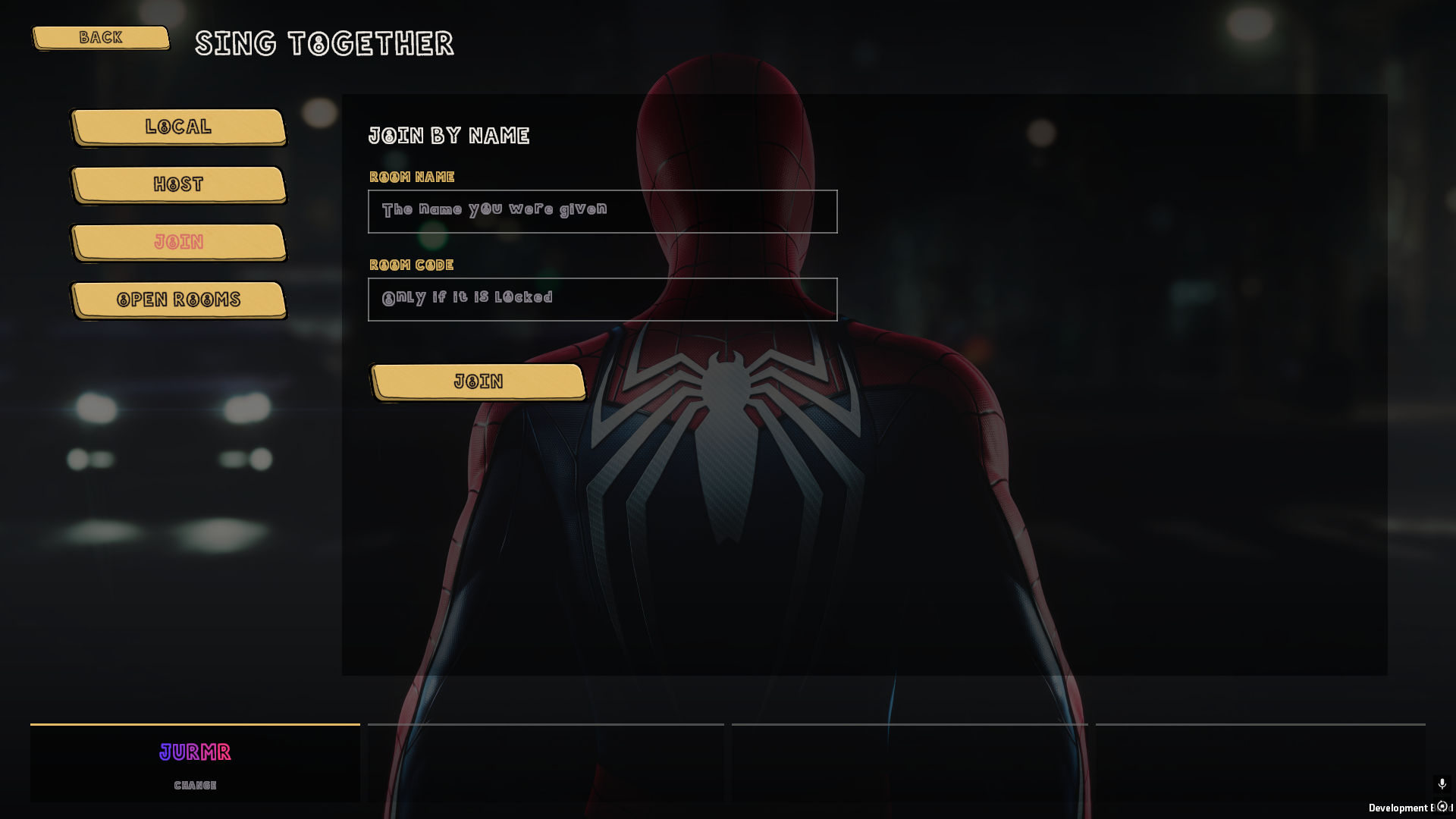
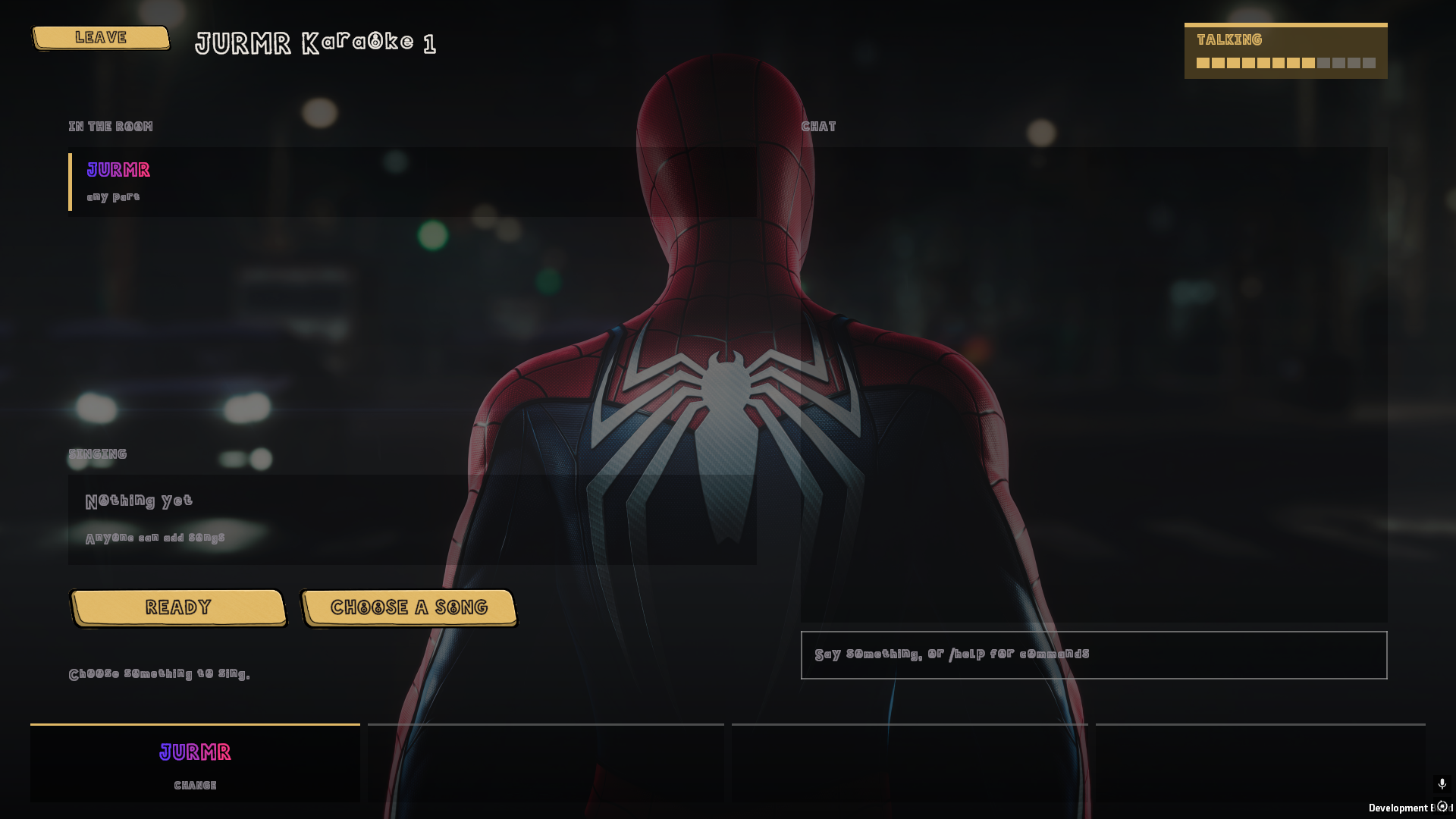
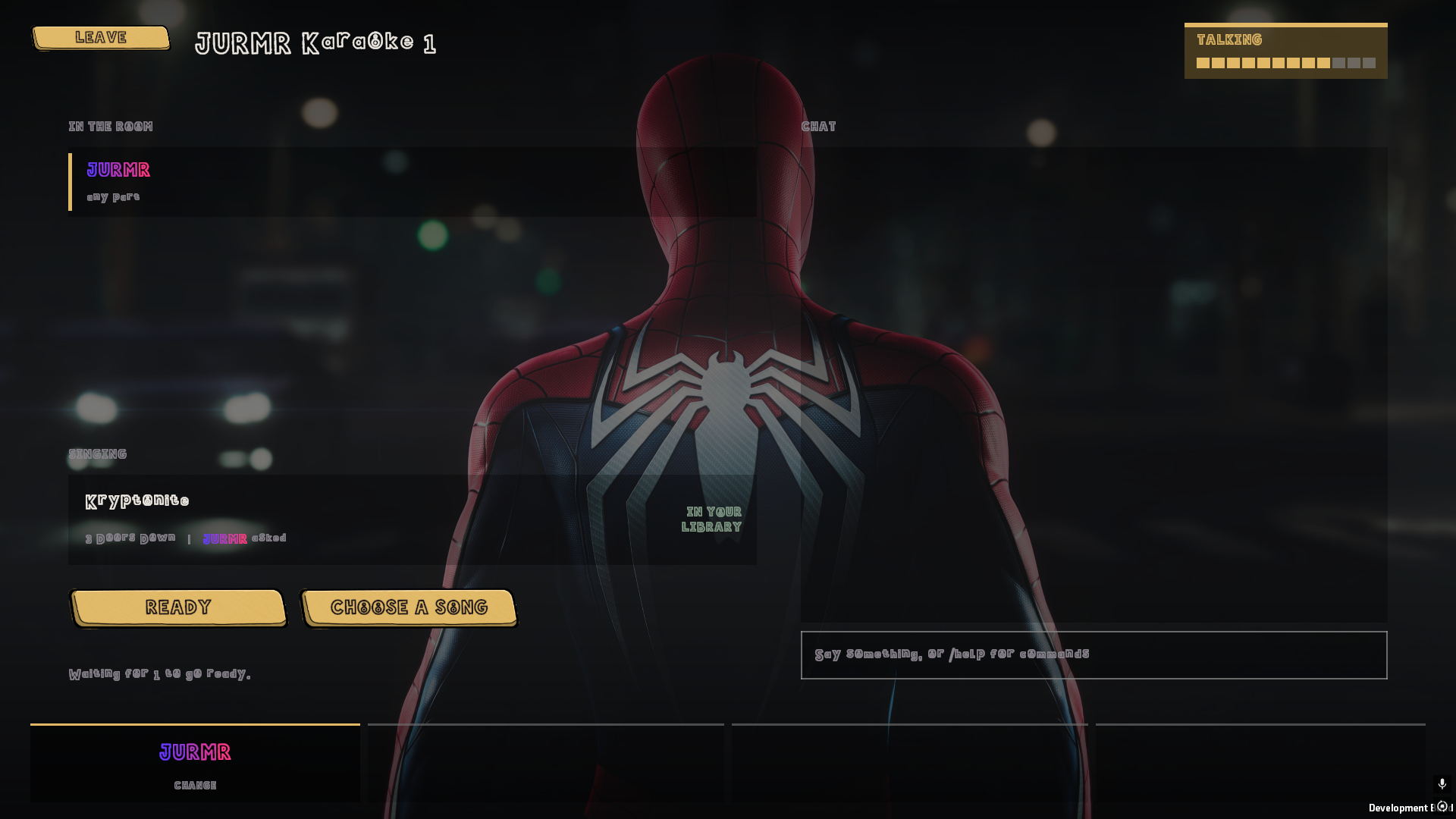
Multiplayer
Host a room, send it round, and sing together from wherever you all are.
Host it from inside the game. Put a code on it if you'd rather keep it to yourselves, or leave it public and let people wander in.
Voice chat is part of the game, not something you bolt on beside it. The gap between songs ends up being half the fun.
Your library
If you've already got a Clone Hero song folder, you've already got a set list. Rock Band packages and .sng archives count too. Nothing to convert, nothing to import, nothing to buy. And when a song you want has nobody singing on it yet, FullVolumeCharter is how you fix that.
Settings, then Library, then Add Folder. Add as many as you've got, on as many drives as you like.
It reads through them once, tells you how it's getting on, and then remembers. You'll not wait on it again.
Search it, sort it, pick something, and go. It opens on the list, not on a loading bar.
Questions
What people ask first, answered straight.
Yes, all of it. There is no shop, no song packs, no subscription and no account to make. Download the installer, run it, sing. There is a tip jar if it earns you a good night, and that is the whole of it.
No. A USB microphone, a gaming headset, a webcam mic or the one built into your laptop will all do. It is listening for the pitch you are singing rather than the quality of the recording, so cheap kit is not a handicap.
Your own drive. Point it at a Clone Hero song folder, a pile of .sng archives or your Rock Band _rb3con packages and it reads the lot. Songs with nobody singing on them are quietly left out, so everything on the list has a part to sing. If you have not got a library yet, the Marketplace lists thousands of free charts that do.
Same idea, different source of songs. It is a spiritual successor to LIPS on the Xbox 360: hold the note, watch the score climb, hand the mic over. The difference is that nobody sells you the set list. It comes off your own drive.
Yes. Host a room from inside the game, put a code on it if you would rather keep it to yourselves, and send it round. Voice chat is built in, everybody's score is on screen at once, and the game says up front if somebody in the room has not got the song that is queued.
Not yet. It is a Windows 10 and 11 build, 64-bit, and at the moment that is the only one there is.
No, and that is rather the point. Sing the whole thing an octave down if that is where your voice lives and it still counts. There is an Easy setting that widens how close you have to be, for when the room has had a few.
Only for the online rooms. Singing on your own works with the network unplugged. There is no launcher, no login and nothing phoning home.
Not at the moment. It comes straight off this site, or from itch.io if you would rather keep it alongside the rest of your library there.
They stay put, along with your profiles, your backdrops and the song folders you added. Reinstall it later and it picks up where you left off.
Twenty more of them, sorted by what you are actually asking: the full list of questions.
Download
One installer, everything in it. No account, no launcher, no admin rights. Hand it to your mates and it just works.
 GET IT
Uninstall it whenever you like. Your profiles, scores, backdrops and song folders stay exactly where they were.
Rather use itch.io? jurmr.itch.io/fullvolumeYou bring the songs. A Clone Hero or Rock Band library is all it asks for.
Tip jar
FullVolume is free and it stays free. No storefront, no song packs, no subscription. If it has earned you a good night, you can put something in the jar.
One‑off or monthly. No account needed.